Your free link in bio page
One link for your Instagram, TikTok and YouTube bio, with everything you make on one page. Every block, theme and stat is free, and there's no paid plan.
Free, with no card and no trial.

Jay Rivers
@jayrivers
Songs for late nights. New single out now.
Late Night Drive
Jay Rivers
Hear new songs first
One email per release, nothing else.
What your page can look like
Four example creators, each drawn live by the same code that draws your page.
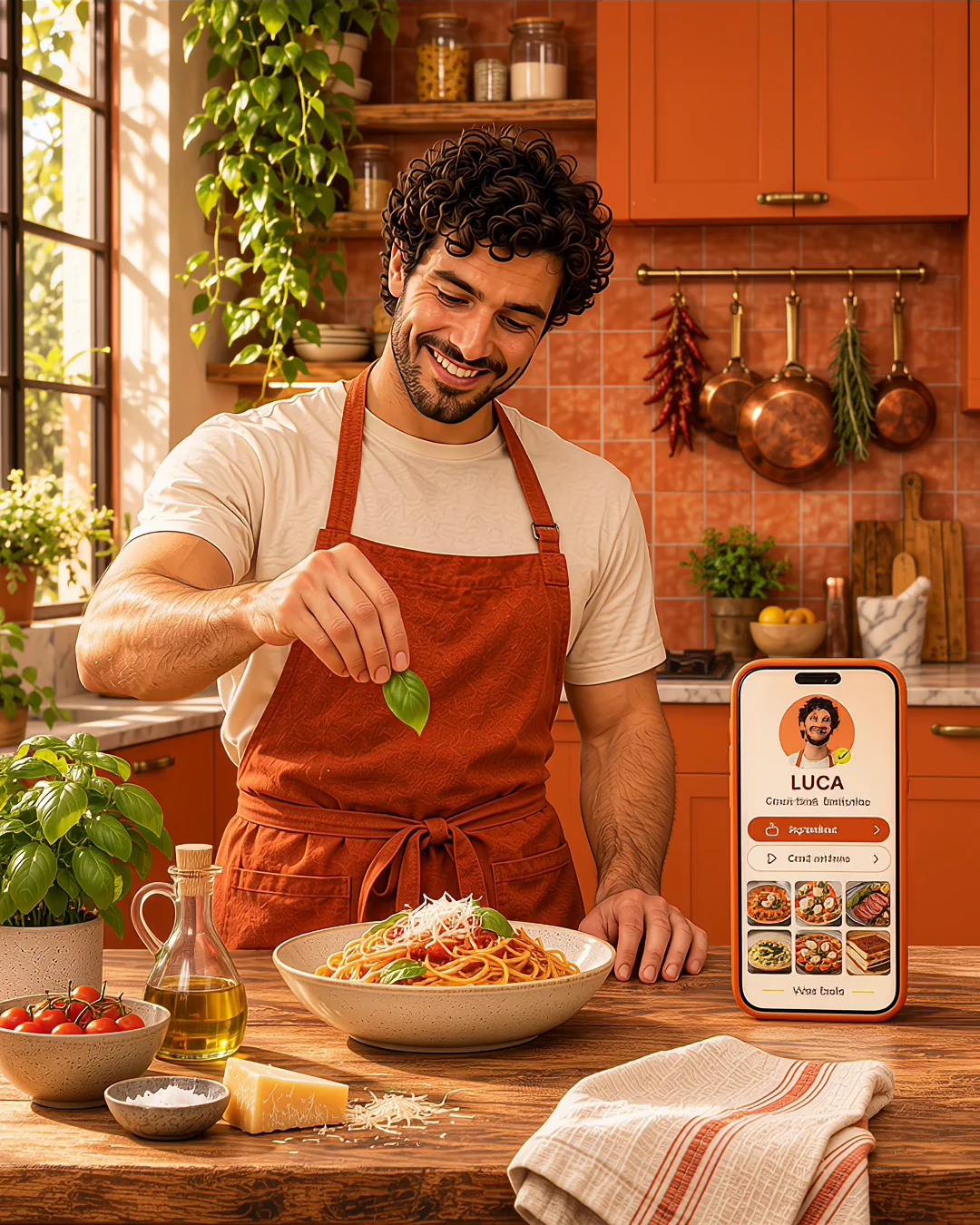
Maya Cooks
@mayacooks
15-minute dinners for busy weeks.
My kitchen
I may earn a commission from these links.
Like the recipes?
Food creator
Sun theme, Rounded font
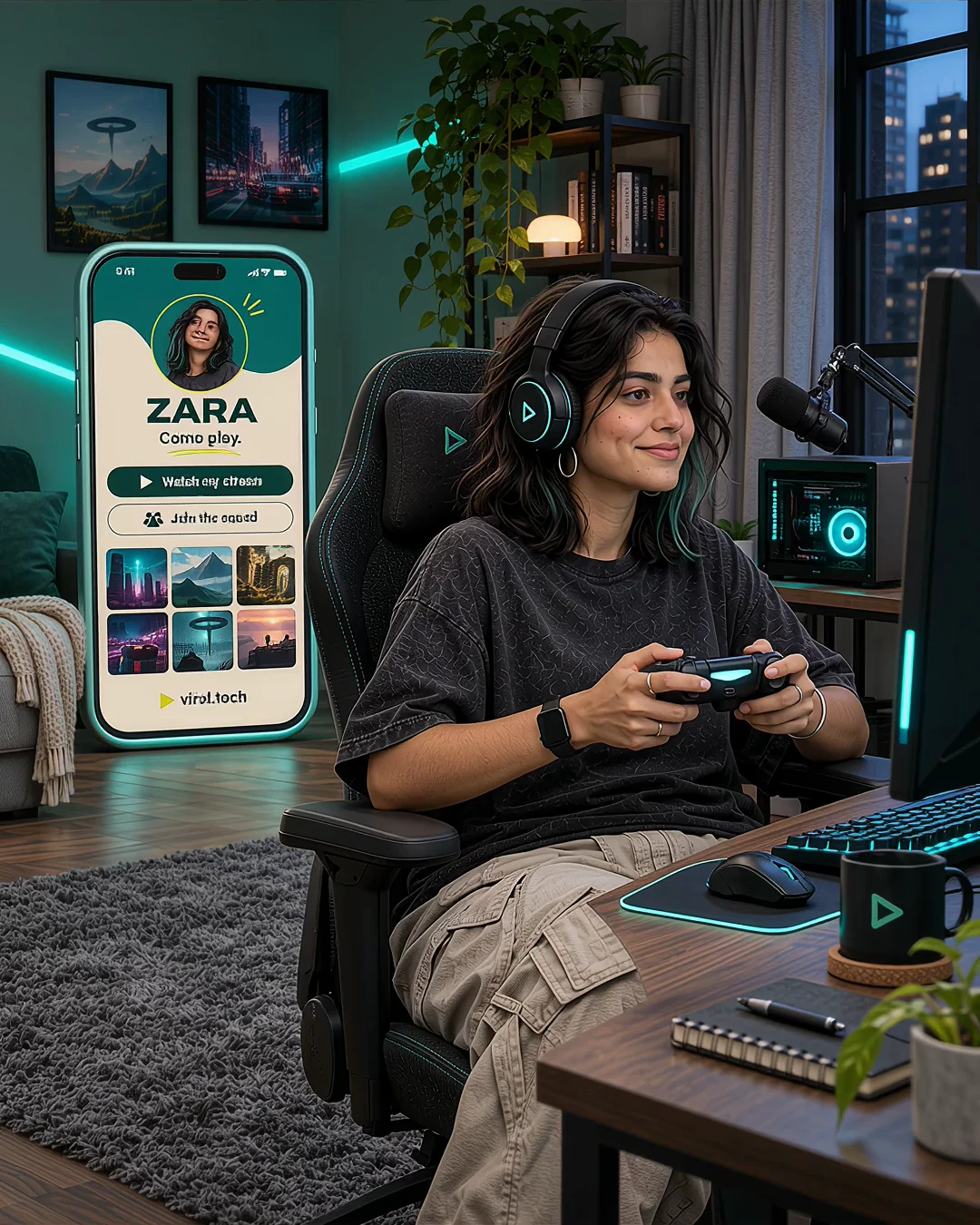
Leo Plays
@leoplays
Cozy games and speedruns. Live most nights.
Questions I get a lot
What's your PC?
Every part is in My gaming setup, above.
When do you stream?
Most nights from 8 pm, my time.
Gamer
Midnight theme, Mono font
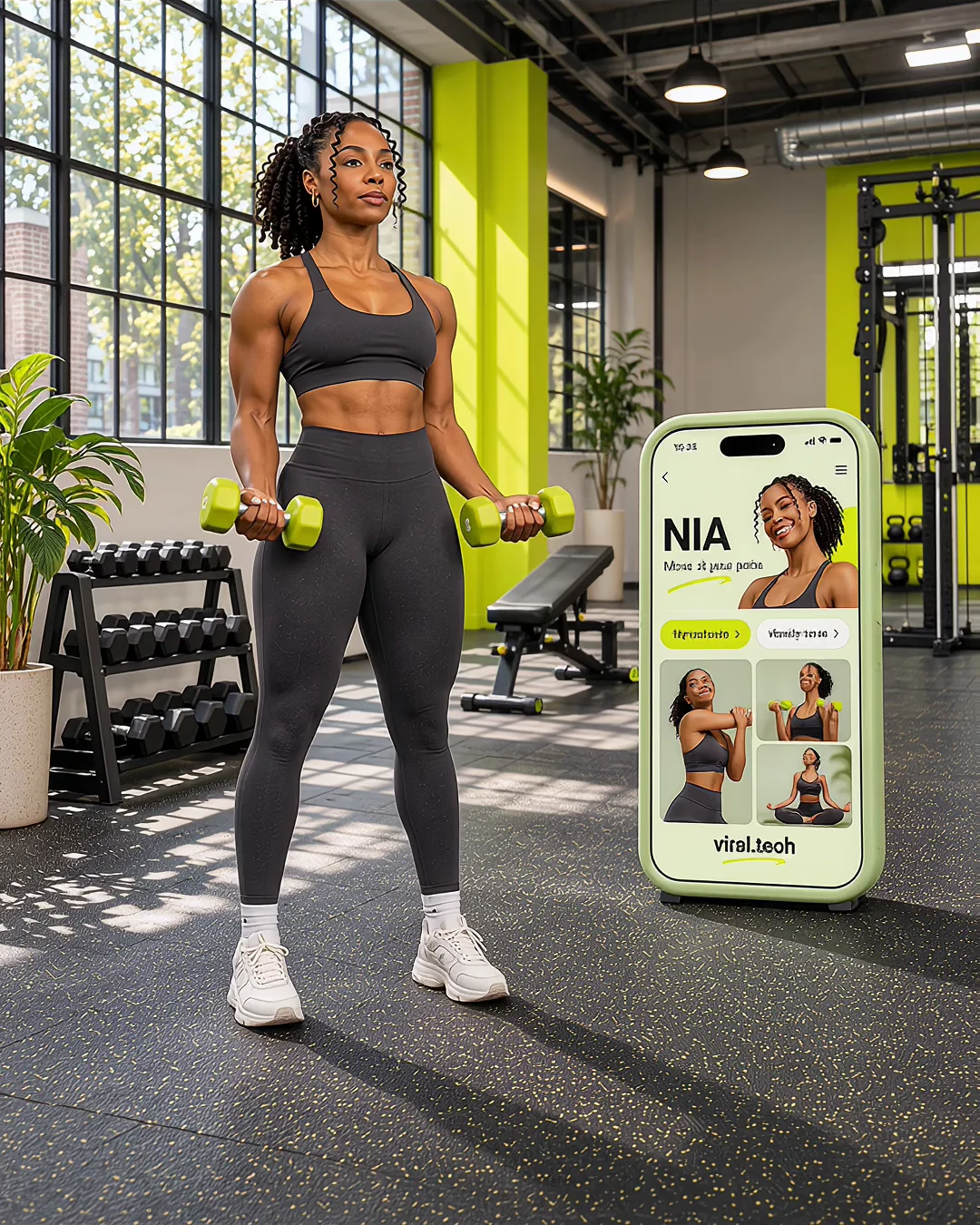
Ana Moves
@anamoves
Yoga for stiff backs and slow mornings.
Yoga teacher
Mint theme, Elegant font


Everything your page can hold
Up to 100 blocks, in any order. Hide any of them, or schedule when they show.
Link
A button to anywhere: your shop, a video, a brand deal.
Header
A title that splits your page into sections.
Text
A few lines about anything.
Socials
A row of icons for every place people can follow you.
Video or music
Plays a YouTube video or a Spotify track right on your page.
Email signup
Fans join your list, and you keep it.
Music release
One release, every streaming service.
Tour dates
Your shows, with ticket links. Past dates hide themselves.
Countdown
A live timer to your next drop.
Products
A shop of products you recommend, with your own affiliate links.
Tips
Buttons to your own tip pages, like Ko-fi or PayPal.me.
Wishlist
Your gift lists or single gifts, each with a note.
FAQ
Questions and answers visitors open with a tap.
Followers
Your total followers, opening to each platform with a Follow button.
Make it look like you
10 themes, 10 fonts, 6 button styles, 3 header layouts, and a background in your own color, a gradient, a pattern or a photo. Links can glow, bounce or show as big picture cards.
- Paper
- Ink
- Midnight
- Pink
- Lime
- Sky
- Sun
- Mint
- Violet
- Sunset
Made for creators, not just links
Opens in the app
On Android, a link to YouTube, Spotify, Amazon and more opens in its app from Instagram and TikTok, where people are already signed in.
See what gets clicked
How many people clicked each link, where they came from and on which device, so you know what to keep at the top.
An email list you keep
Fans join with their email and tick a box to agree. You can see who joined and export the list any time.
Sponsored labels
Mark a paid link and it shows a Sponsored label, so your page follows FTC disclosure rules.
Scheduled links
Choose when a block shows up and when it hides, for drops, launches and deals that end.
Found on Google
Give your page its own title and description for search results, and choose whether search engines list it.
Ad pixels, with consent
Add your Meta, TikTok or Google pixel and UTM tags. Visitors are asked before any pixel loads.
A QR code
Download your page's QR code as a PNG or an SVG for posters, packaging and merch.
Pages for campaigns
Besides your main page, make separate pages for a launch, a brand or an audience.
How to add your link to your bio
Instagram
Go to your profile, tap Edit profile, then Links, then Add external link, and paste your viral.tech link.
TikTok
Tap Edit profile and add your link in the website field. TikTok only shows that field to some accounts, depending on followers, account type and region. Until you have it, write viral.tech/@yourname in your bio as text.
YouTube
In YouTube Studio, open Customization and add your link under Links. It shows on your channel page.
Questions
Is it really free?
Yes. Every block, theme and stat is free, with no paid plan, like every tool on viral.tech.
Does my page show viral.tech branding?
A small Made with viral.tech line sits at the bottom of your page. You can turn it off in your page's settings, for free. There are no ads on your page.
Can I use the same link on Instagram, TikTok and YouTube?
Yes. Your page lives at viral.tech/@yourname, and that one link works in every bio.
Can I see how many people click my links?
Yes. You see how many people clicked each link, where they came from and on which device.
Can I sell things or take tips?
Link your own shop, add products with your affiliate links, and add tip buttons for Ko-fi, PayPal.me or any tip page. Fans pay you there: viral.tech never touches the money.
Can I have more than one page?
Yes. Besides your main page, you can make campaign pages for a launch, a brand or an audience.
Claim your page
Pick your @name, add your first links and share it. Free, like everything on viral.tech.
Every tool on viral.tech is free.